
How it Works
Student and Teacher Experience
We Protect Your and your students' Privacy!
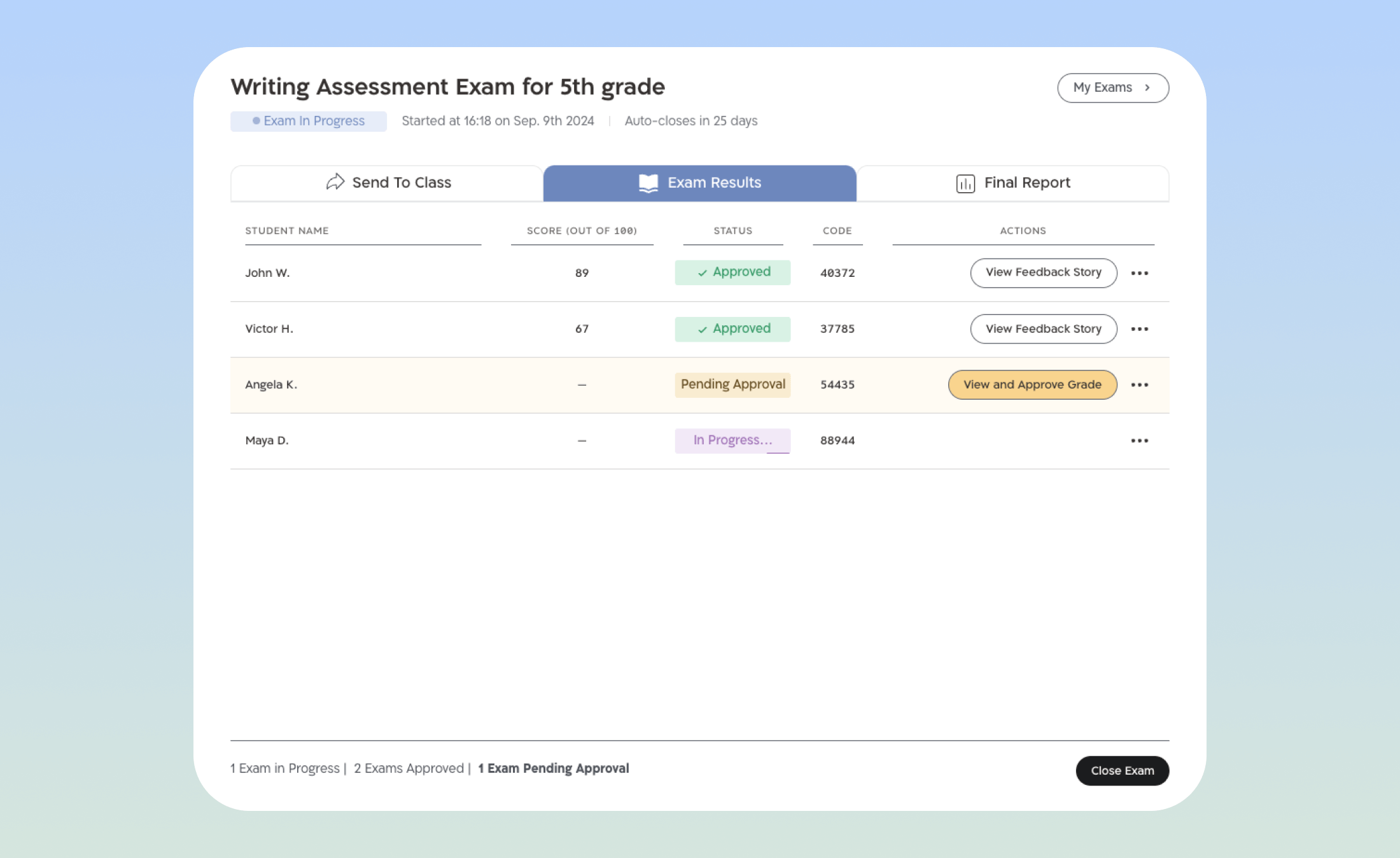
After submitting their tasks, students' results will only appear in the teacher's gradebook, which is password protected. Additionally, each student will be able to access their personal feedback using a personal and confidential code.


Start your Assessment Exam
Have a few groups? Complete this form for each one:
Frequently Asked Questions
This exam evaluates and maps proficiency in written English expression.
The exam provides teachers with immediate data on students' performance. Both as a class as well as individuals. It also includes recommendations for lesson planning. It offers a broad view of students' strengths and areas for improvement. It's important to combine it with other assessment tools.
It's recommended to complete the digital exam on a desktop or laptop for the best experience, but it is also adapted for use on smartphones.
If a break is needed or the device needs to reconnect, students can resume from where they left off by using the personal code they received at the beginning of the exam.
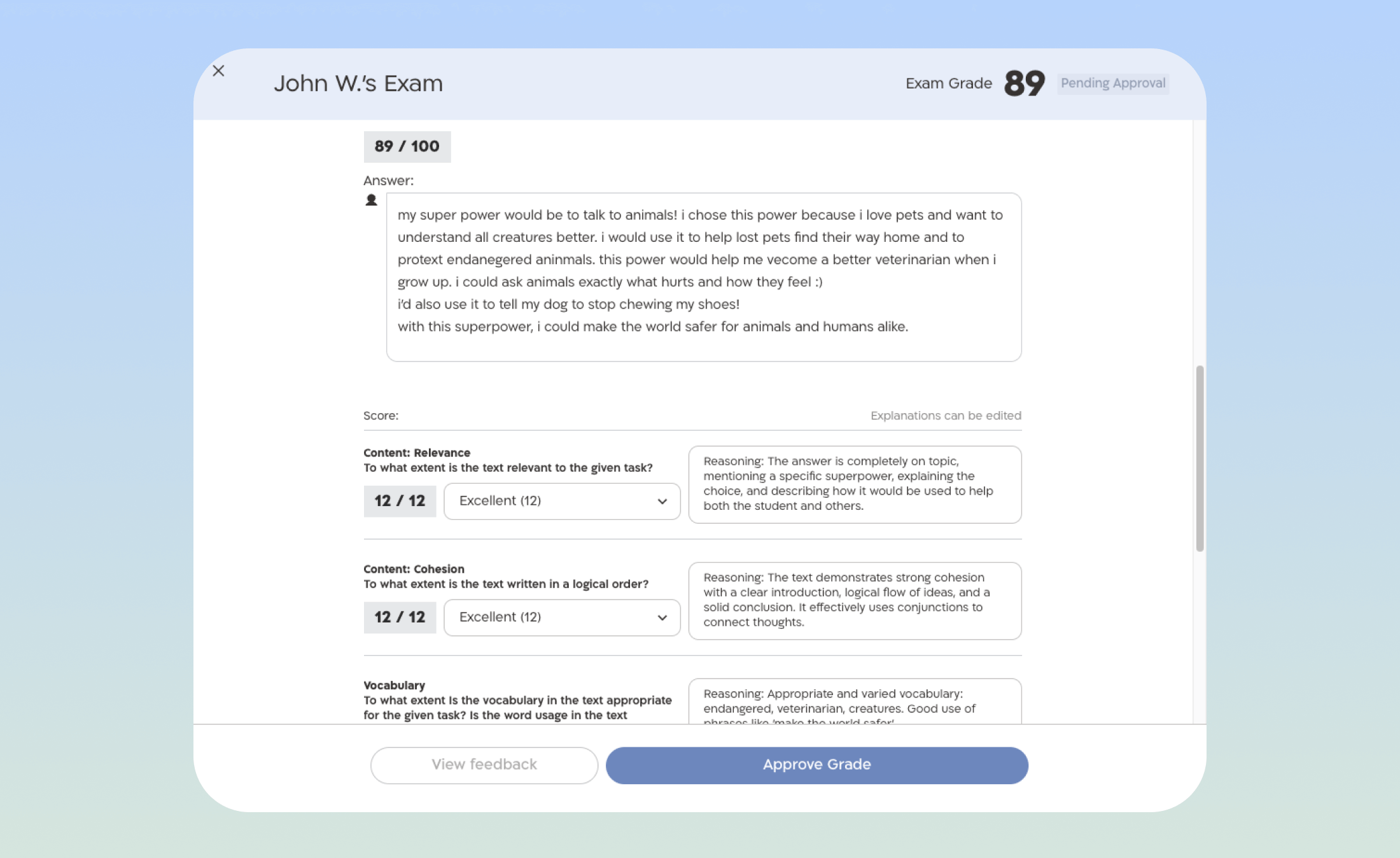
Yes. In the writing assessment exams, feedback is based on AI software, so it’s important to review the feedback and scores, to ensure accuracy and maintain grading quality.
Yes, when the teacher reviews and approves the exam, a personal note can be added. It’s recommended to use this opportunity to provide clear, personalized feedback that helps the student understand where they stand in relation to learning goals, what they’re doing well, and what they need to do to improve.
An interim report is available after approving at least four student exams.
We recommend approving all submitted exams to receive a final summary report, which provides a full and accurate overview of your class's performance.
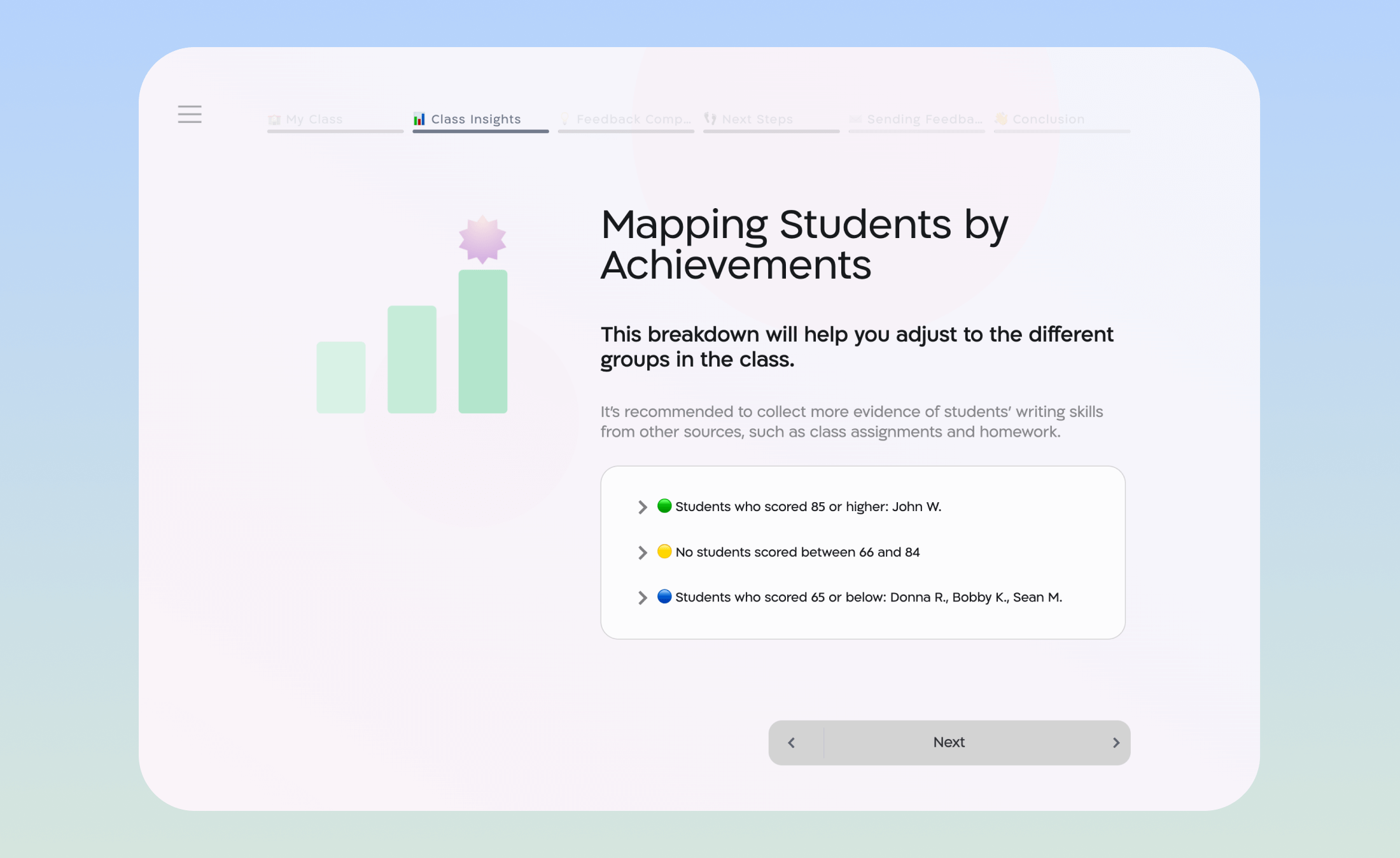
The report includes: data on class performance, grouping of students by achievement in different components, and action recommendations tailored to the class. The report also includes access to a ready-to-share presentation for the class to support learning and encourage discussion.
After approving the exam, you can view a preview of the personal feedback.
The link to the personal feedback that can be sent to students will appear under "final Report" in the gradebook.
The link is class-wide, and each student will enter their personal code (received during the exam) to view their feedback. Each student's feedback will be available after their exam is approved. If necessary, the teacher has access to the list of personal codes from the exams table on the exam management page.
Students' answers and results are stored in the system but are sent only to the teacher. We will not use the data at the student, teacher, or school level for any other purpose or share it with third parties.
The Milgo tool was developed by Kayma, an interdisciplinary group that helps government ministries improve educational organizations and social services through behavioral economics and digital tools.
Learn more about Milgo.
Platform created and run by
